Official
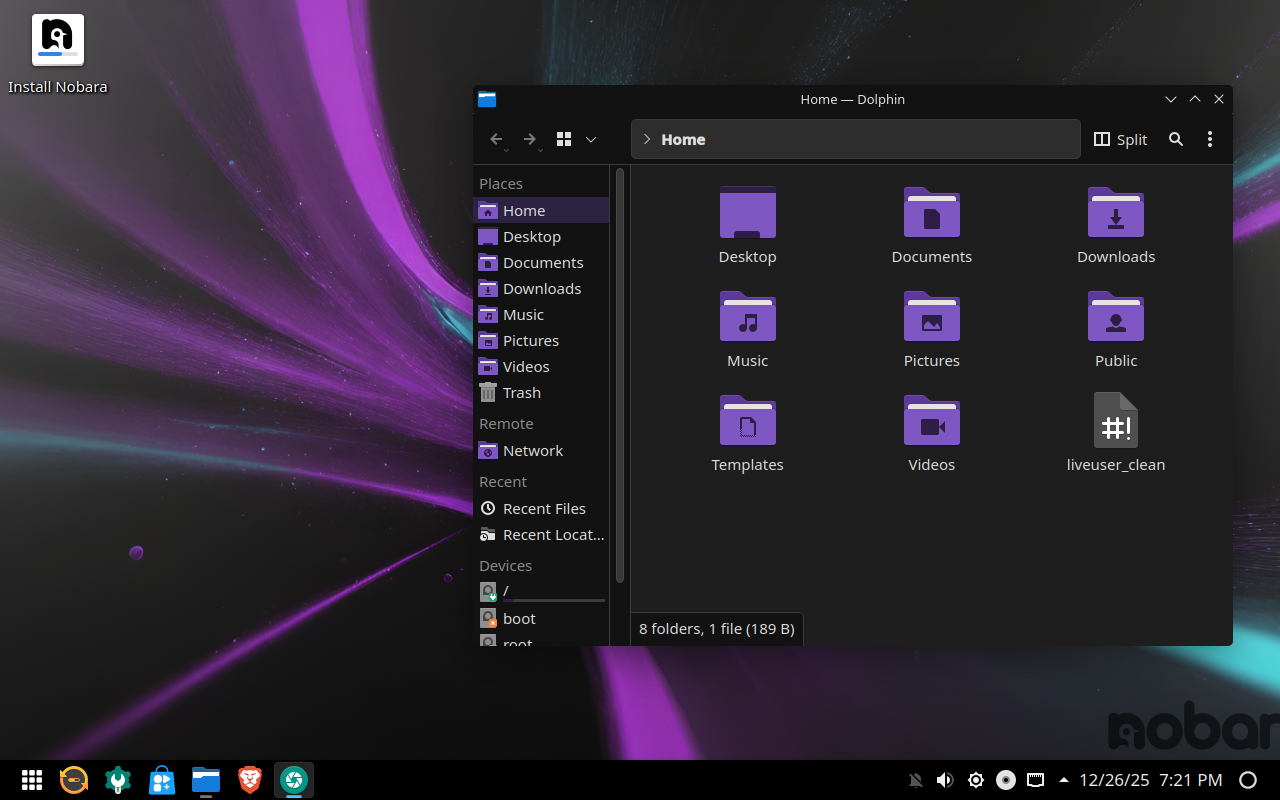
The main Nobara experience. Custom KDE design, tuned for games, creative tools, and daily use.
Pick your edition, flash your USB, and boot into a gaming-ready desktop in minutes.
Preview each edition before you commit. Every screenshot shows the actual experience.
The main Nobara experience. Custom KDE design, tuned for games, creative tools, and daily use.
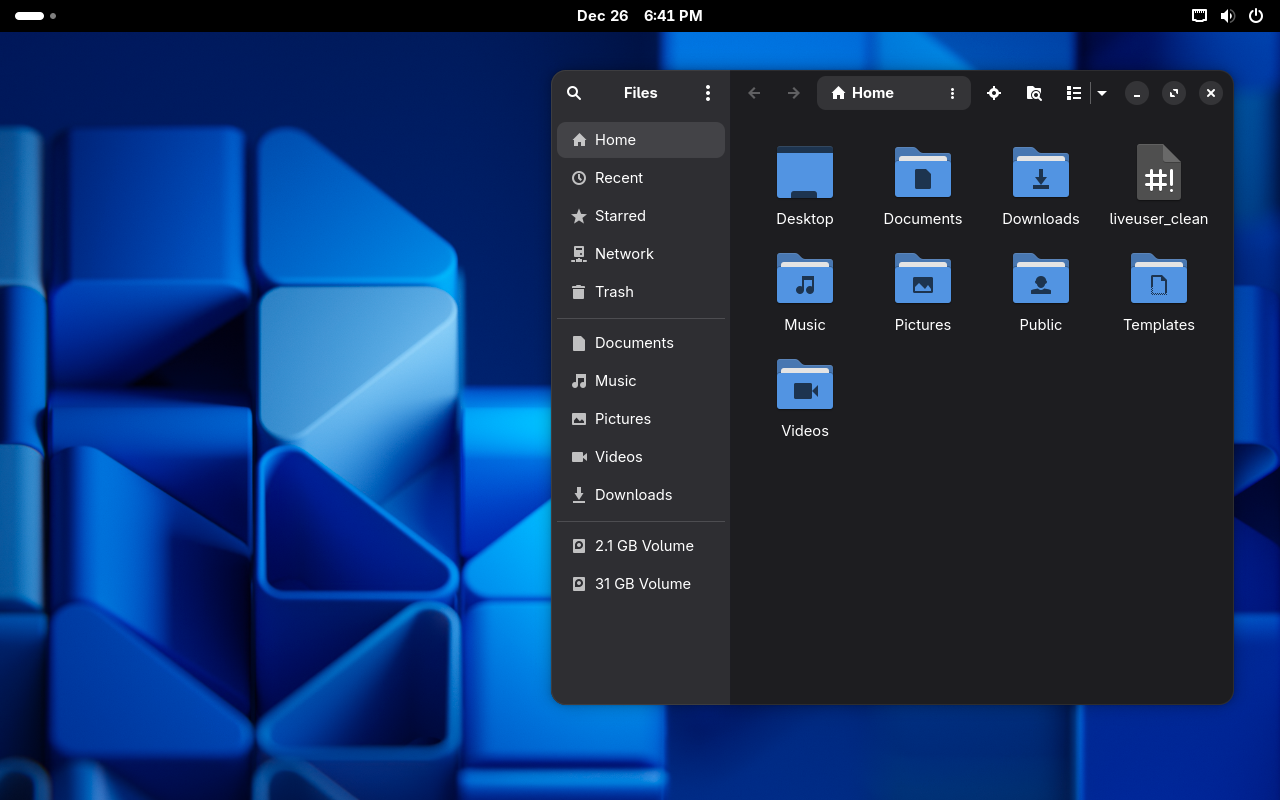
Clean GNOME layout with a focus on content. Ideal for laptops and distraction-free workflows.
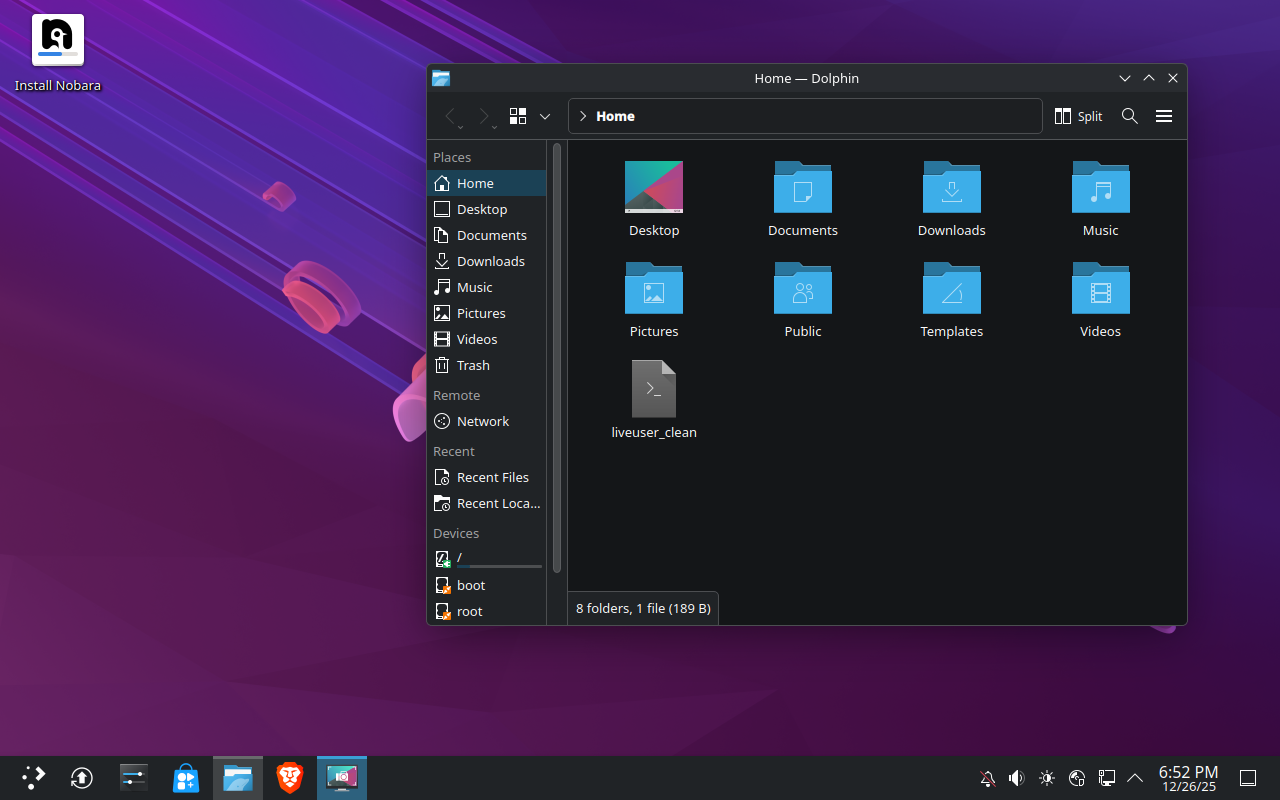
Classic KDE experience with deep customization for power users.
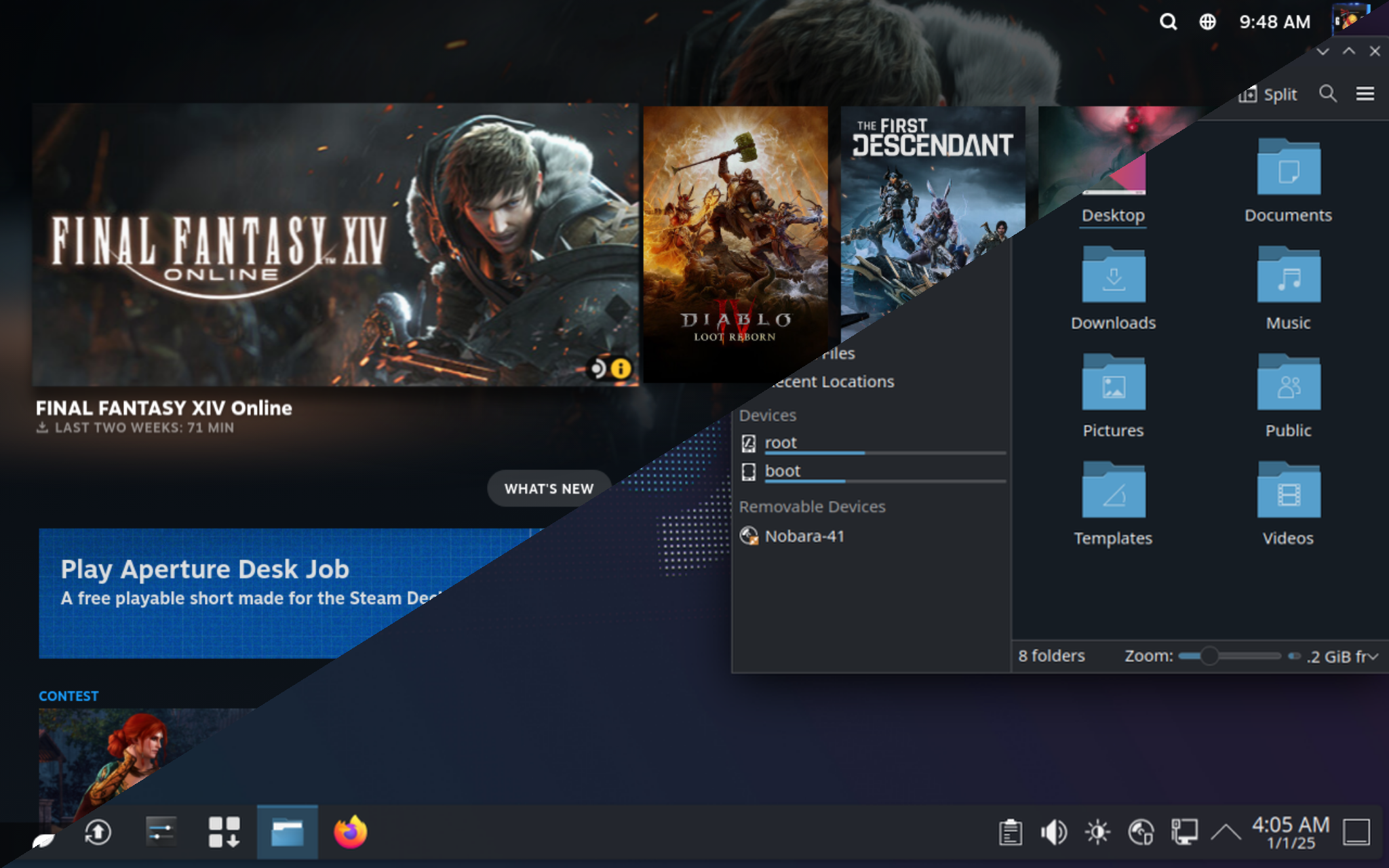
Console-like interface for living-room setups with big-screen TVs.
Optimized for Steam Deck-style handheld devices and small displays.
A couple of links to keep open while you download and install.
How to download the ISO, verify the checksum, and create a bootable USB with Ventoy, Fedora Media Writer, or Rufus.
Go to download section in the wikiSystem updates, drivers, extra tools, and tips for stable gaming and streaming sessions.
Open first-steps guide