Simpler experience
Built for people who prefer clear graphical options over long terminal commands.
- Guided installer.
- First-run setup suggestions.
- Integrated updates.
A Fedora-based desktop, tuned for gaming, streaming, and content creation — so you can skip the tweaking and start doing.
Nobara is a hobby project, independent of Fedora and Red Hat. It is intended for personal use, not for critical production environments.
Bring a modern Fedora desktop to life with gaming-friendly defaults and fewer extra steps.
Built for people who prefer clear graphical options over long terminal commands.
Ships with WINE dependencies, OBS Studio, popular multimedia codecs, and third-party repositories enabled.
Uses Fedora packages alongside RPMFusion and Nobara repositories to fill gaps for a gaming and creator desktop.
Five desktop flavors. One goal: get you gaming and creating quickly.
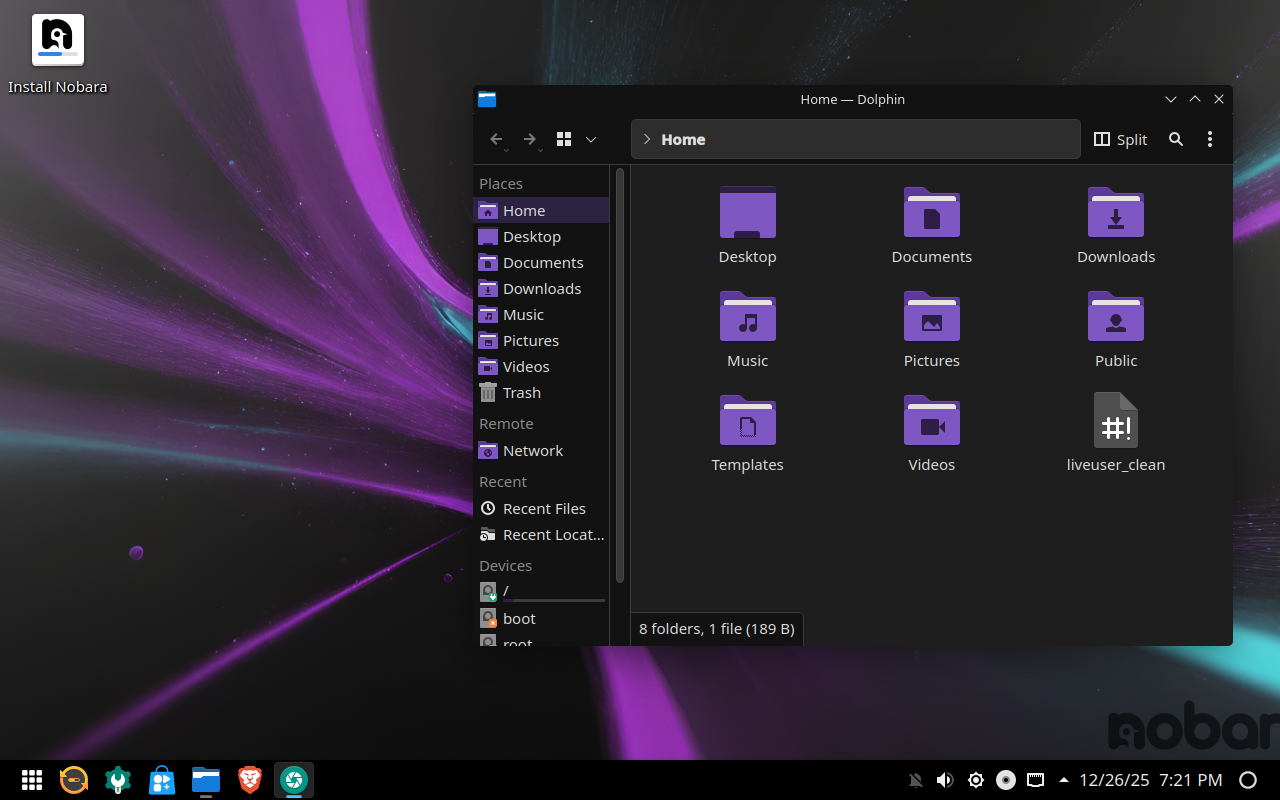
The reference Nobara experience. KDE with a custom look, balanced for games, creative tools, and everyday apps.
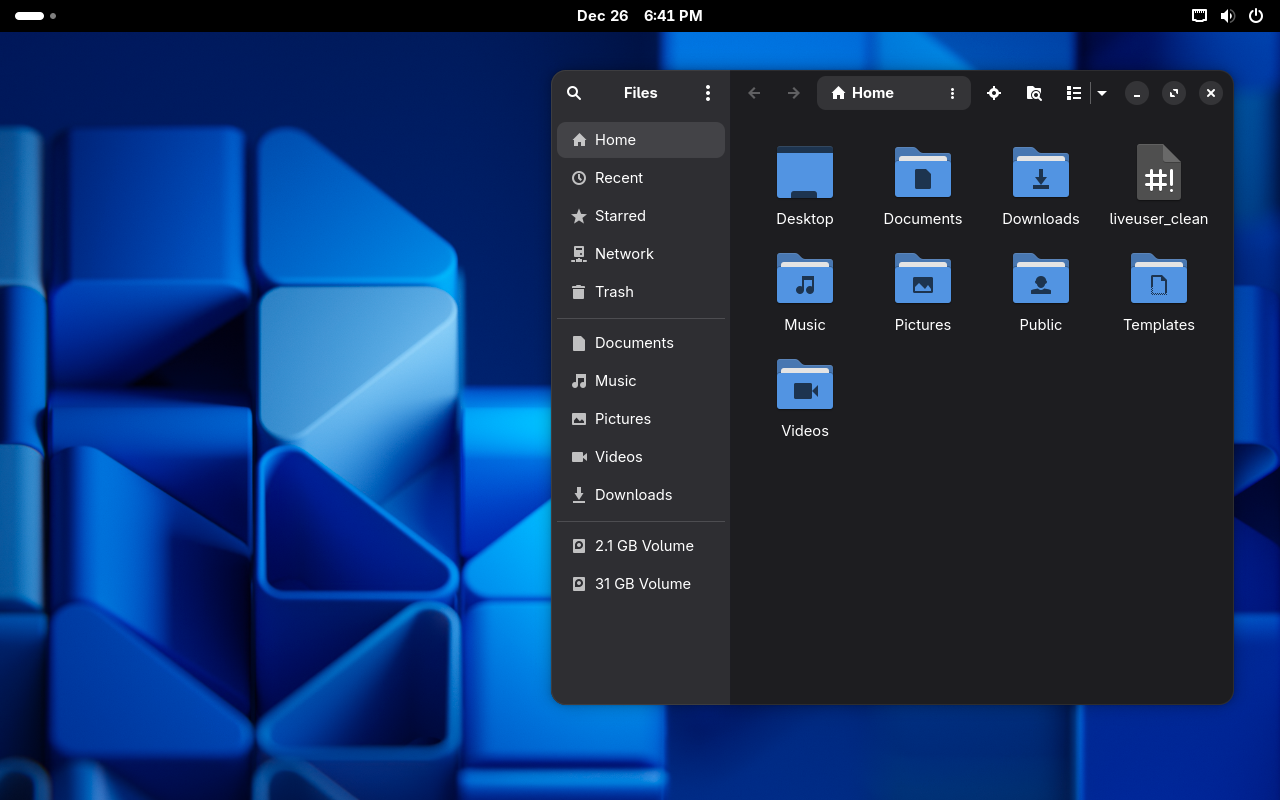
Clean, task-focused GNOME with Nobara’s tweaks underneath. Minimal, direct, and easy to live in.
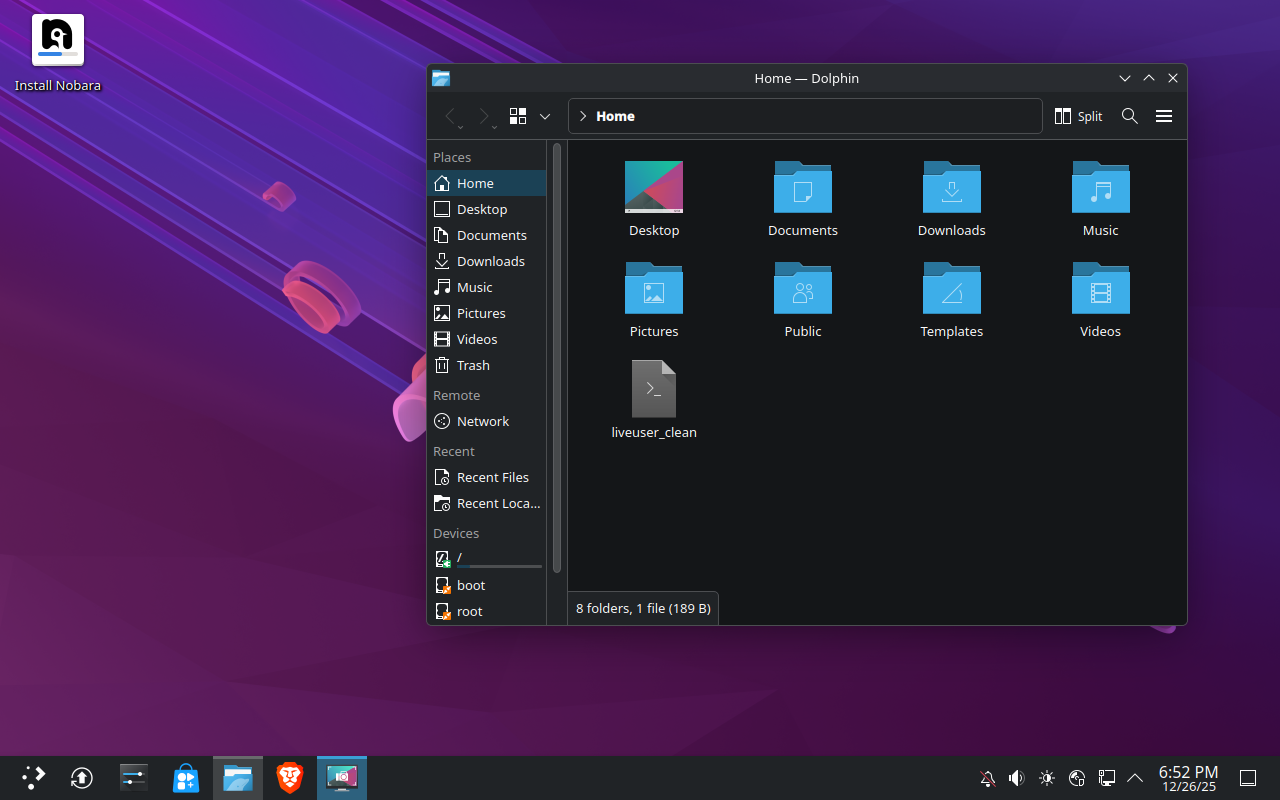
A more traditional KDE for people who want full control over how their desktop looks and behaves.
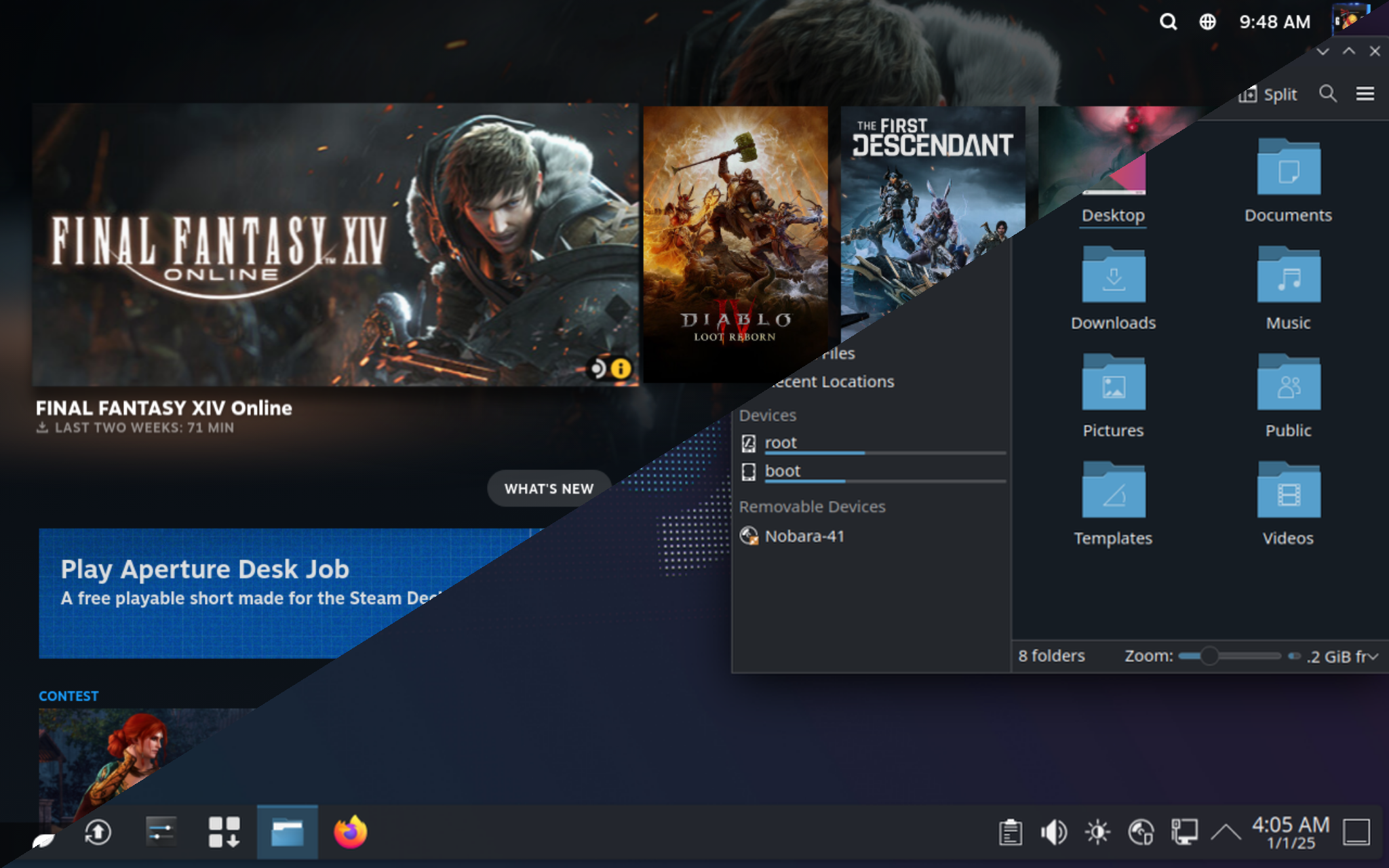
Living-room-friendly setup, tuned for TVs and controllers. Feels at home on the couch.
Designed for Steam Deck-style handhelds. Compact desktop that fits smaller screens.
These guides help you go from ISO to daily driver smoothly.
From download and USB creation to first boot and updates — everything in one place.
Open new user guideLearn how to upgrade, switch desktops, add extra drives, and adjust graphics drivers.
Explore Nobara wikiSee what changed in each Nobara release: fixes, improvements, and new features across editions.
View changelogA hobby project powered by its community and the people who run it every day.
Join the server to ask questions, share setups, and follow the latest project updates.
Join DiscordIf Nobara makes your setup easier, you can help keep it going with a monthly contribution.
Go to PatreonStickers, shirts, and more. A simple way to support the project and bring Nobara into your setup.
Visit storePrefer one-time tips instead of monthly support? Ko-fi is a quick way to say thanks and help development.
Go to Ko-fiNobara is a hobby distribution with no warranty and no professional support. Before installing, it’s important to understand the basics.
Not designed for mission-critical production. You use it at your own risk, and there is no guaranteed support.
Includes RPMFusion Free and Nonfree and other repositories with legally redistributable software that is outside Fedora.
Nobara is not a Fedora Spin and has no formal relationship with Red Hat. It uses their code and repositories but remains a separate project.